Why Nonprofits, Housing Authorities, and Government Agencies Require Dedicated Scanners...
Government bodies and nonprofits managing public grants are legally bound by strict record-retention laws (like FOIA). Documents must be digitized at specific archival quality standards and preserved for decades.
- The MFP Failure: MFPs often produce compressed, low-tier PDFs with fuzzy text. When old case files, meeting minutes, or historical deeds are scanned via an MFP, they frequently fail to meet the text-clarity standards required for permanent digital archives.
- The Dedicated Scanner Advantage: Standalone units feature hardware-driven image processing that strips out background paper yellowing and artifacting. They generate highly compressed, archival-grade searchable PDF/A files (the global standard for long-term legal preservation). This makes large volumes of public data instantaneously searchable by keyword during an audit or public records request.
Nonprofits and social service agencies process an immense volume of complex paperwork—such as multi-page grant applications, donor agreements, financial proofs, and citizen intake forms.
- The MFP Bottleneck: Staff members are forced to manually sort through mixed stacks of paper, scan them in small batches, email them to their computers, split the files, and manually type in information like donor names or grant numbers.
- The Dedicated Scanner Advantage: Dedicated scanners utilize robust automated capture software. A worker can drop an entire, unsorted stack of mixed-size donor checks, tax forms, and IDs into the feeder. Using intelligent layout recognition, the scanner automatically separates the documents, extracts relevant metadata (like SSNs, names, or dollar amounts), and routes the files directly into a document management system or grant platform without manual data entry.
Public sectors handle highly sensitive Personally Identifiable Information (PII), including tax records, social security numbers, and welfare applications.
- The MFP Security Risk: MFPs are public, walk-up machines. Scanned PII can easily be left on the physical scanner bed, sit forgotten in a public print tray, or remain cached on the machine's internal hard drive, creating a massive data breach vulnerability.
- The Dedicated Scanner Advantage: A compact desktop scanner sits directly at the case worker's or administrator's desk. Sensitive constituent documents are digitized locally and sent straight over an encrypted connection into a secure database. The scanner has no internal hard drive to store or cache private data, drastically reducing your security liability.
Many government assistance programs and local nonprofits still process low-grade paper forms, carbonless copies, or wrinkled, hand-delivered applications.
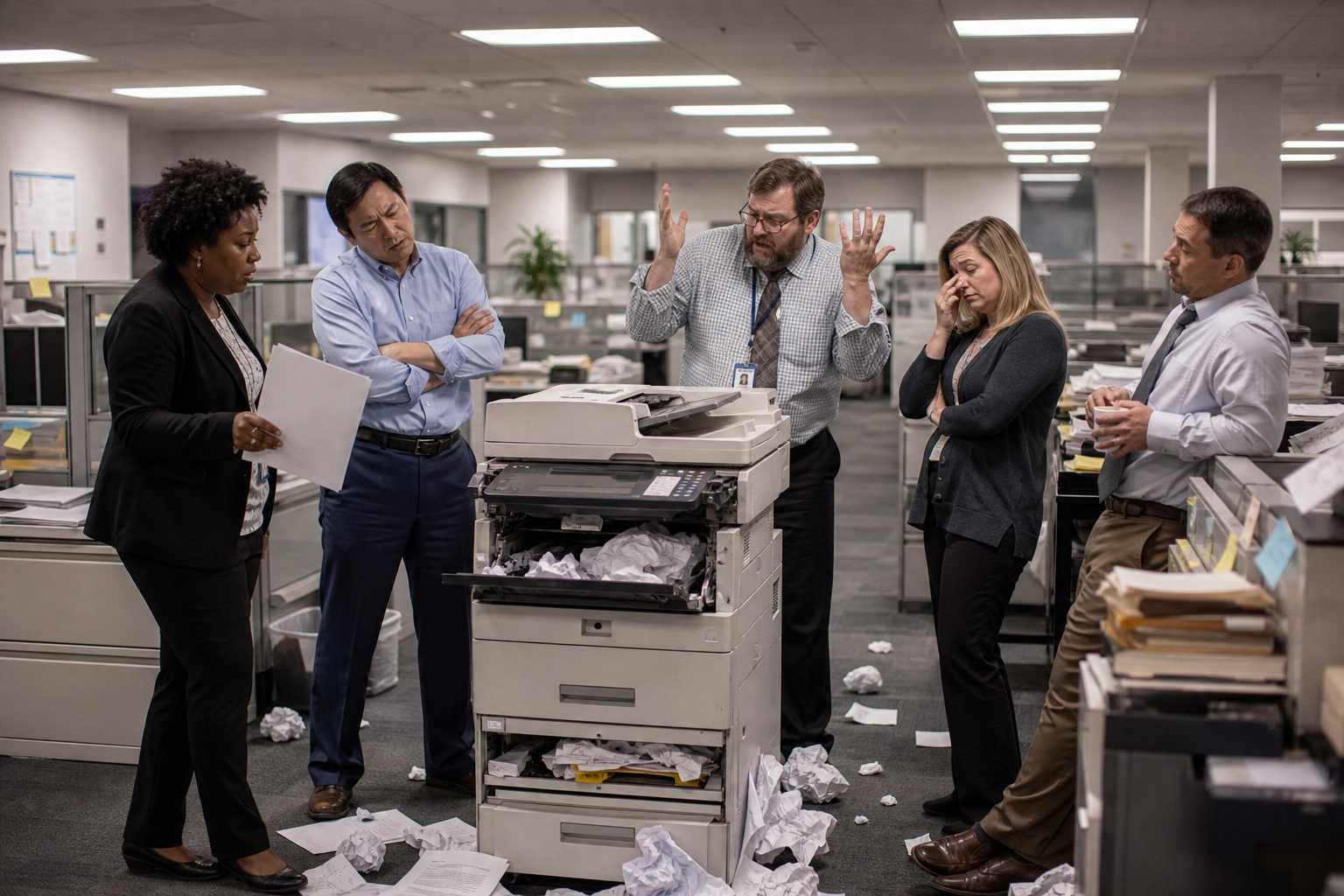
- The MFP Risk: The complex, multi-turn roller paths inside an MFP are designed for standard, crisp office paper. Feeding thin carbon copies or crumpled applications frequently results in severe paper jams that can tear the only physical copy of a constituent's record.
- The Dedicated Scanner Advantage: Built with a straight-through paper path and Ultrasonic Double-Feed Detection, dedicated scanners use sound waves to ensure exactly one page passes through at a time. If a citizen accidentally leaves a staple in their paperwork, the scanner instantly detects the tension and pauses before the page can rip, keeping vital documents pristine.
Tailored Setup Recommendations
|
Organization Type |
Primary Workflow |
Best Hardware Configuration |
|---|---|---|
|
Local Government & Municipalities |
Clerks filing town minutes, land deeds, and public records requests. |
Production-Class Flatbed Combo Scanner (e.g., RICOH fi- Series with Flatbed Combines a blazing-fast ADF for standard paperwork with a flatbed for delicate, bound historical books. |
|
Community Nonprofits & Social Services |
Case workers managing donor tracking, intake applications, and grant compliance. |
Workgroup Desktop Scanner (e.g., Ricoh fi-Series Desktop Units) — Small footprint for tight office spaces, offering fast daily batch-scanning of client files right at the desk. |