
Why Law Firms Prefer Dedicated Scanners Over MFPs
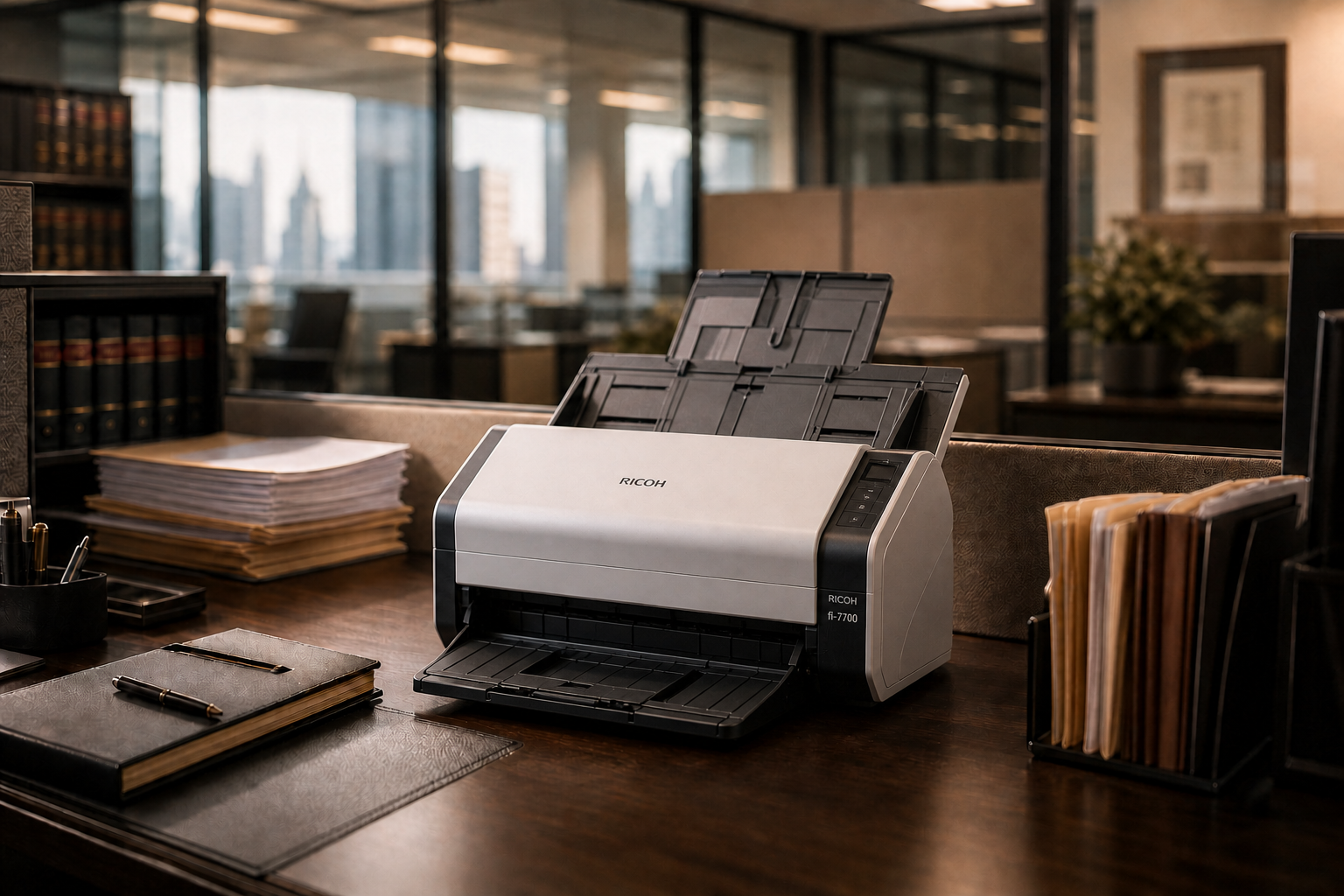
Lawyers often choose all-in-one solutions when buying hardware and software, probably because it feels cost-effective to get a bunch of things bundled into one package. But when it comes to scanners, printers, and copiers, it is better to buy dedicated machines.
dedicated document scanners are vastly superior to MFPs because they provide flawless handling of mismatched legal sizes, maximize OCR accuracy for deep case discovery, and allow paralyzing legal volumes to be processed securely at an attorney's desk.
In the legal profession, billable hours are king, and document management is the backbone of every case. While many law firms rely on shared Multifunction Printers (MFPs) out of habit, they introduce severe efficiency bottlenecks.
For law offices, A single case file or discovery batch can contain an unpredictable mix of paper styles: standard letter correspondence, 8.5x14-inch legal-size court pleadings, thick bound deposition transcripts, wrinkled police reports, and tiny evidence receipts.
- The MFP Risk: Most standard office MFPs require you to manually change settings or adjust paper trays to handle legal-sized paper through the document feeder. If a mixed stack is dropped in, the MFP frequently skews the pages, cuts off the bottom three inches of legal documents, or jams.
- The Dedicated Scanner Advantage: Dedicated scanners (such as a Ricoh fi-Series) are natively engineered to ingest completely mismatched paper sizes, weights, and conditions simultaneously without jamming or requiring manual pre-sorting.
Litigators rely heavily on Optical Character Recognition (OCR) to search through thousands of pages of discovery for a single keyword, date, or name.
- The MFP Failure: MFPs focus on speed and file compression over pixel clarity. A slight blur or low-contrast scan from an MFP can render critical text unreadable to OCR systems, turning an important exhibit into a dead, unsearchable image file.
- The Dedicated Scanner Advantage: Standalone units use premium optical lenses and advanced hardware image enhancement (like RICOH fi-Series Scanners). These scanners dynamically straightens lines, balances contrast, and sharpens faint type—ensuring the resulting PDF is perfectly formatted for legal OCR engines and text-searchable systems.
Law firms are bound by absolute client confidentiality and must safeguard sensitive data from unauthorized eyes.
- The MFP Security Risk: Walk-up MFPs are public hub spaces. A paralegal scanning highly sensitive trade secrets or medical records might leave the physical original on the scanning bed, or the digital file could sit exposed in a shared network folder or the machine's internal hard drive cache.
- The Dedicated Scanner Advantage: Compact desktop units fit directly on an attorney’s or legal assistant's desk. Sensitive client files are digitized locally and securely routed straight into your specialized Legal Document Management System (like Clio, NetDocuments, or iManage) without ever hitting a public network queue or a shared machine's local storage memory.
When filing briefs or submitting evidence under strict court deadlines, missing even a single page from a contract or medical record because two sheets stuck together can jeopardize a case.
- The MFP Risk: MFPs typically use basic mechanical friction to separate pages. They lack sensors to tell if two thin sheets pass through at the same time, leading to silent, skipped pages.
- The Dedicated Scanner Advantage: Professional legal scanners utilize Ultrasonic Double-Feed Detection. By passing sound waves through the paper path, the scanner instantly detects the microscopic air pocket between overlapping sheets and halts the scanner before a single page is skipped. [2, 7]
What Legal Professionals Say
The consensus among the legal tech community strongly favors dedicated hardware over unbundled solutions:
“Lawyers often choose all-in-one solutions when buying hardware... But when it comes to scanners, printers, and copiers, it is better to buy dedicated machines. You can be more productive with a fi-series scanner and a good laser printer than you can be with an (MFP).
Tailored Setup Recommendations
|
Legal Environment |
Primary Use Case |
Ideal Hardware Choice |
|---|---|---|
|
Solo Practice & Small Law Firms |
Daily deskside management of client contracts, case briefs, and intake forms. |
High-Speed Desktop Scanner (e.g., RICOH fi-Series) — Compact, fast, and integrates seamlessly with local or cloud-based legal software. |
|
Mid-to-Large Litigation Firms |
Processing thousands of pages of incoming corporate discovery or large court trial binders. |
Low-Profile Production Scanner (e.g., RICOH fi-Series) — Heavy-duty paper feeder designed to chew through massive daily box volumes without pausing or causing wear. |
To help tailor this to your practice, let me know:
What Document Management System (DMS) or practice management software (like Clio, NetDocuments, or iManage) does your firm use?
Click "Contact Us" below and let us know so we can call and discuss how we can help.